
If you’ve ever typed late into the night, trying not to wake the household, or caught a quiet side-eye from a coworker during a frantic drafting session, you already know how much switch choice matters. The sound of a mechanical keyboard can be joyful in the right moment, but in the wrong one it’s an intruder. A crisp clack feels satisfying under your fingers, yet to someone else it’s just noise cutting through the silence.
Late-night typists know a particular kind of tension. It’s 11:30 PM, the house has settled into that heavy quiet where every creak feels exaggerated, and suddenly you’re hit with focus,or maybe Apple has just dropped some new tech, and you can’t resist jotting down thoughts to annoy Editor Dez with my Apple fangirling. You sit, open a blank document, press the spacebar “CLACK”. It doesn’t sound like a keystroke anymore; it’s a plastic hammer bouncing off the walls. You pause, wondering if anyone stirred in the next room, and that hesitation alone is enough to break your rhythm.
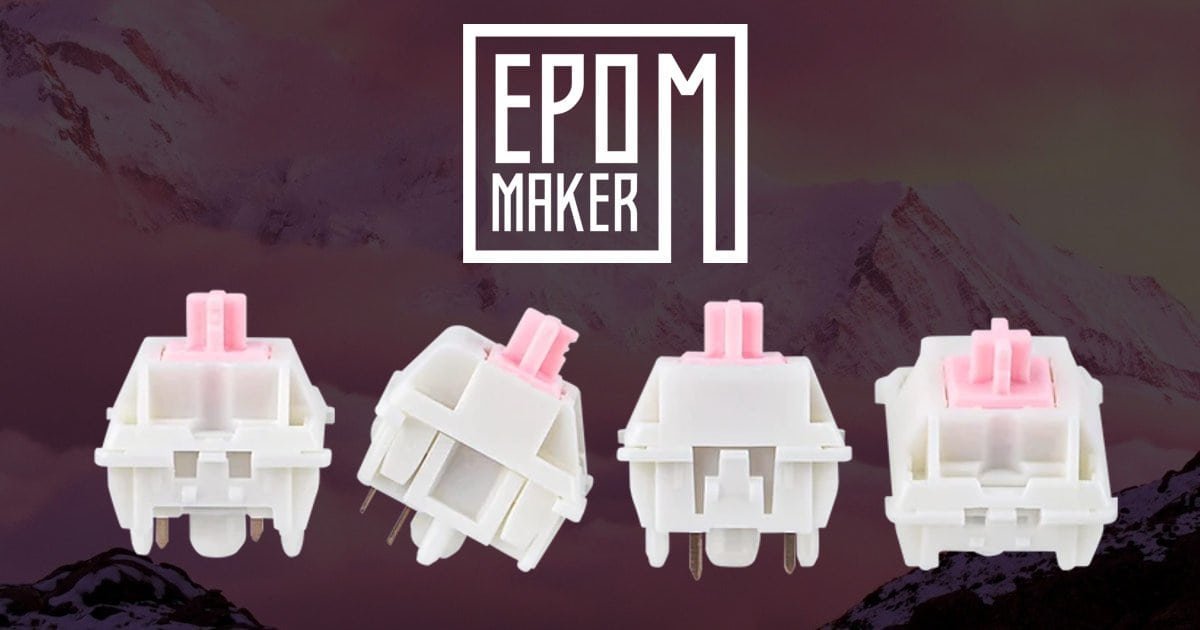
This is where the Epomaker Roseveil Silent Mechanical Linear Switches make their case. They don’t just change how the keyboard feels; they change how the room reacts. Instead of announcing every keystroke, they soften it, cushion it, keep it contained. Typing becomes less of a performance and more of a private act, something you can do without worrying about sound spilling into someone else’s space. It’s a subtle shift, but one that turns late-night writing from a guilty indulgence into a quiet routine you can actually enjoy.
And today, the Epomaker HE65 V2 gets that upgrade. Out go the loud, clack-heavy Gateron Magnetic Jade Pro HE switches, replaced with Epomaker Roseveil Silent Mechanical Linear Switches. The transformation doesn’t just refine the typing experience, it ensures your late-night sessions stay peaceful, for you and for everyone around you.
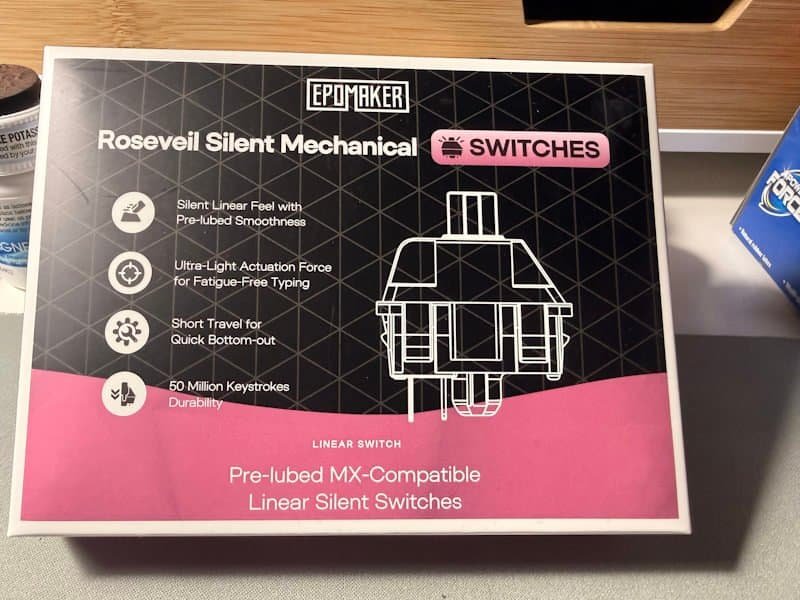
Step 1: Strip Down (Keycaps & Switches Off)
There’s something oddly therapeutic about starting a keyboard overhaul; I can see why Editor Dez enjoys building them so much now. It’s not just about the mechanics of it, it feels like clearing the stage before a new performance. You’re stripping away the familiar layers, exposing the raw skeleton of the board, and in that moment you get to see it differently. Almost like meeting an old friend without their usual outfit.
Removing the Keycaps
The first part is simple, but it has its own rhythm. You take the keycap puller, hook it under a cap, and pull straight up. Pop. Pop. Pop. Each one comes off with a tiny release of tension, revealing the Gateron Magnetic Jade Pro HE switches underneath. They sit there like rows of miniature pistons, waiting. If you’ve used the board heavily, you’ll probably notice a bit of dust or crumbs tucked between the caps, an honest reminder of late-night snacks or long work sessions. It’s worth pausing here to clean them, because once the Epomaker Roseveil Silent Mechanical Linear Switches go in, you’ll want the whole setup to feel fresh, not just quiet.
Extracting the Switches
This part asks for patience. You clip the switch puller onto the top and bottom tabs, squeeze gently, and pull upward. There’s a satisfying resistance followed by a clean release. The Jades slide out with a metallic snap, leaving behind empty sockets across the plate. It looks bare, almost vulnerable, but that emptiness is exactly what you need, a blank canvas ready for the Epomaker Roseveil Silent Mechanical Linear Switches.
There’s a small moment here, too, where you might hesitate. The board looks stripped, exposed, and you wonder if it’ll feel the same once rebuilt. That’s the charm of mechanical keyboards: they’re endlessly adaptable, yet every change feels personal. You’re not just swapping parts; you’re reshaping the way you interact with your work, your writing, your games. And in this case, you’re preparing it for silence.
Step 2: Building Up (Inserting the Roseveils & Caps)
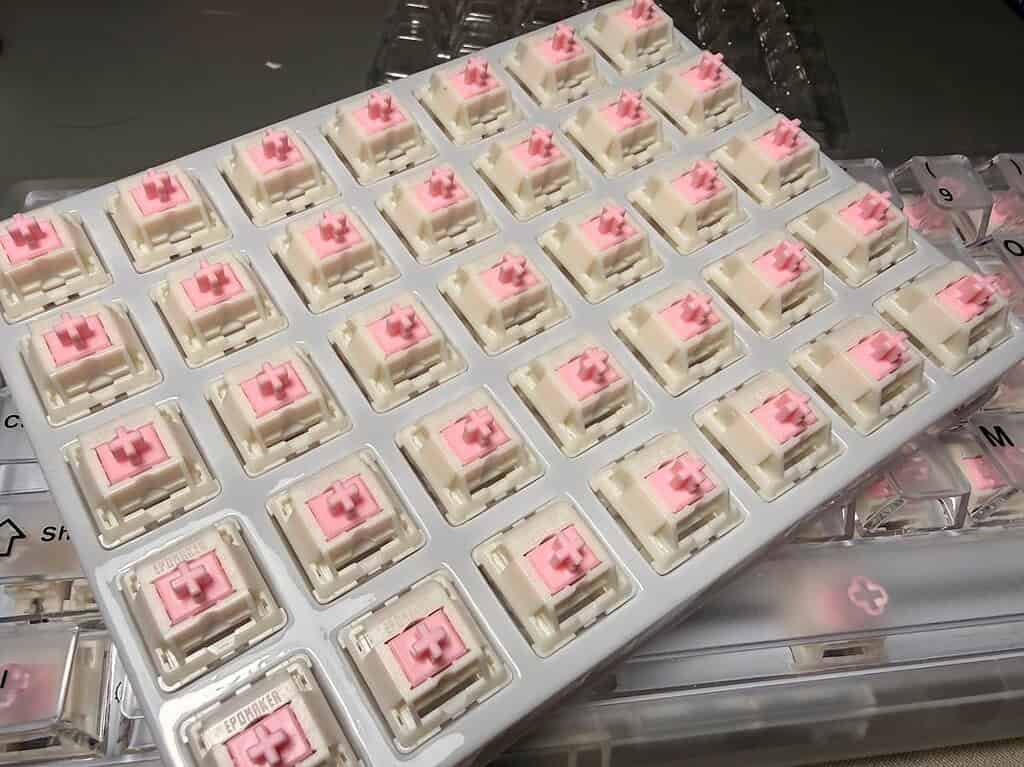
This is the part where the board starts to feel alive again. After stripping it bare, there’s a quiet anticipation, like setting up a fresh canvas before the first brushstroke. The Epomaker Roseveil Silent Mechanical Linear Switches arrive in their neat little tray, each one looking understated compared to the louder, flashier Jades you just pulled out. They don’t demand attention; they wait for it.
Plugging in the Roseveils
Lining up the pins with the sockets is a small act of precision. You press down firmly, and instead of the sharp snap you might expect, there’s a muted confirmation; subtle, cushioned, almost polite. One by one, the switches settle into place. The feel is immediately different: smoother, quieter, with that gentle dampening that makes you think, “yes, this is going to change everything.”
There’s a rhythm to it, too. Insert, press, snap. Insert, press, snap. It’s repetitive, but not boring. More like building something carefully, piece by piece, knowing the payoff is coming. And with each Roseveil seated, the board shifts further away from its clacky past toward something softer, more deliberate.
Re-capping the Board
Putting the keycaps back on feels like closing the loop. You press them lightly onto the new stems, check they’re sitting level, and suddenly the Epomaker HE65 V2 looks familiar again. From the outside, nothing dramatic has changed; it’s still the same keyboard you’ve been using all along. But underneath, the Epomaker Roseveil Silent Mechanical Linear Switches have given it a new identity.
And here’s where things can get… confusing. You’ve got a pile of keycaps in front of you, and for a moment it feels like a puzzle with no instructions. I remember staring at mine, thinking, “Well, now what?” That’s the point where you either head to Google and pull up a layout diagram, or, if you’re smarter than me, you had the foresight to lay them out neatly when you took them off. If not, expect a few minutes of trial and error, squinting at legends on your phone, and second-guessing where the smaller keys belong.
Once everything is back in place, though, the board looks unchanged, yet you know it isn’t. The sound, the feel, the whole personality of the keyboard has shifted. That’s the quiet magic of this upgrade: the transformation hides in plain sight. You don’t see it, but you’ll notice it every time you type—or rather, you won’t notice, because the noise is gone.
The Verdict: How Quiet Is It Really?
The difference is immediate. With the Gateron Magnetic Jade Pros, every keystroke had a sharp edge; bright, clacky, almost metallic. They cut through the air in a way that made typing feel loud even when you weren’t hammering the keys. Swap them out for the Epomaker Roseveil Silent Mechanical Linear Switches, and suddenly the board feels like it’s whispering. The dampeners inside each switch catch the impact before it can escape, softening both the downstroke and the rebound.
It’s not absolute silence; you still feel the motion, the faint thud of plastic meeting plastic, but it’s contained. More like tapping your fingers against a padded desk than striking a drum. I found myself typing faster without worrying about the noise, which is funny because I didn’t realise how much I’d been holding back before.
There’s also a psychological shift. With the Jades, I was always aware of the sound, almost bracing for it. With the Epomaker Roseveils, I forget about it. The keyboard becomes invisible in the best way; it’s just me and the words on the screen. And if someone else is in the room, they barely notice I’m typing at all.
So, how quiet is it really? Quiet enough that you stop thinking about the sound. Quiet enough that late-night typing doesn’t feel like a guilty secret. Quiet enough that the Epomaker Roseveil Silent Mechanical Linear Switches make the Epomaker HE65 V2 feel like a stealth machine, tuned for productivity without the soundtrack.
Don’t believe me? Check out this video of my typing and have a listen for yourself:




Recent Comments