
Dark Web, dodgy passwords and hacked smart fridges? I sat down with NETGEAR to get the lowdown this Cyber Security Month
The Dark Web sounds like something straight out of a bad hacker movie. Hoodies pulled suspiciously low, green code flying across six monitors, dramatic techno music, and someone furiously smashing away at a keyboard before whispering something ridiculous like, “I’m in.”
In reality, though, the bigger concern for most of us isn’t accidentally taking a wrong turn on Google and somehow ending up on the Dark Web. It’s discovering that our personal information is already there, having a lovely time without us.
Emails, passwords, phone numbers and other personal details can find their way online through data breaches, phishing scams and compromised services. And with so much of our lives now connected, from laptops and phones to TVs, cameras, consoles, doorbells and even our fridges, keeping track of everything that needs protecting is starting to feel like a full-time job.
Seriously, why does my fridge need Wi-Fi? What is it doing in there when I’m asleep? Is it playing Fortnite? Googling the weather? Ordering DoorDash?
That’s partly why Cyber Security Month is such a good reminder to stop for a minute and think about just how much of our lives now exist online. Cybersecurity isn’t only something businesses, governments and the hoodie-wearing hackers of Hollywood need to worry about. It’s something that affects pretty much all of us every single day, whether we’re checking emails, buying something online, logging into a game, scrolling through social media or yelling at a smart TV because it has somehow forgotten the Wi-Fi password again.
And the good news is that staying safer online doesn’t necessarily require becoming some sort of cybersecurity wizard. Sometimes it comes down to incredibly simple things: using unique passwords, turning on multi-factor authentication, keeping devices updated and perhaps not clicking the incredibly legitimate-looking email informing you that a Nigerian prince has finally chosen you.
So, for Cyber Security Month, I sat down with NETGEAR to strip away some of the jargon and get some straight answers about what the Dark Web actually is, how our information ends up there and, most importantly, what the hell are we supposed to do when it does?
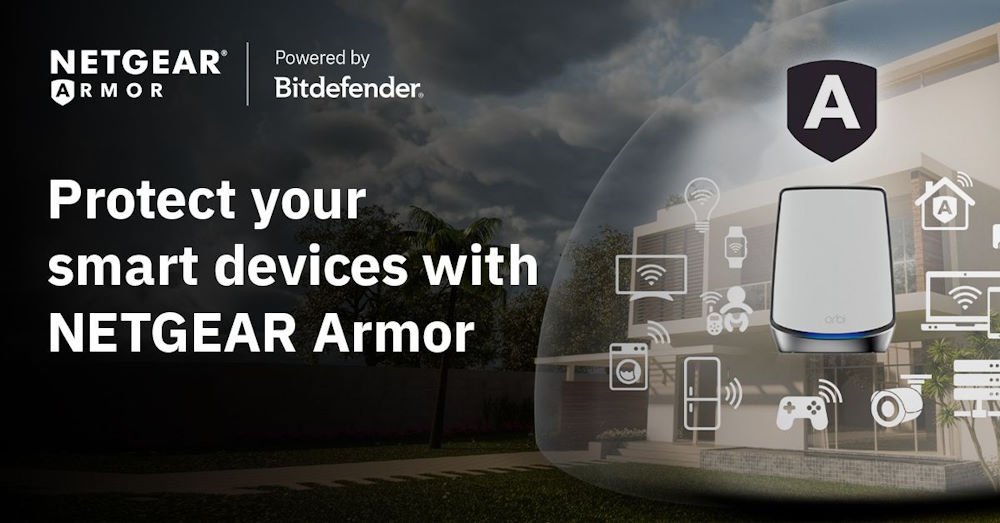
The timing is particularly interesting because NETGEAR is bringing Dark Web Monitoring to NETGEAR Armor and Armor Plus, adding another layer of protection around the home network. Rather than only focusing on threats trying to get into your network, Dark Web Monitoring takes a look in the other direction too. It can monitor personal details you choose, such as email addresses and phone numbers, and check whether they have appeared in data breaches, on the Dark Web or across other online sources. Because discovering your information has been exposed is one thing. Knowing what you’re supposed to do about it is another.
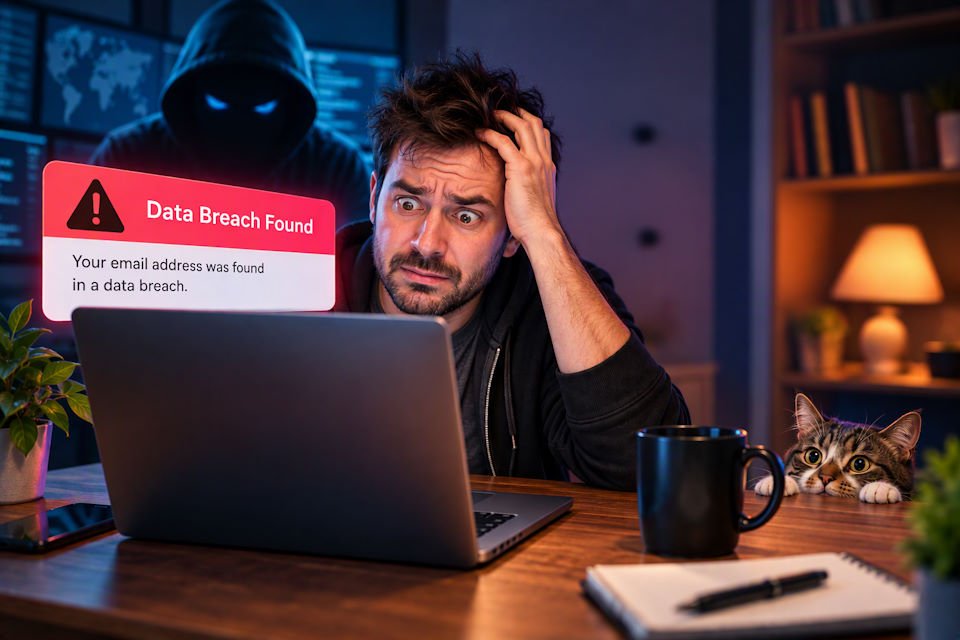
If your email address or password suddenly pops up in a security alert, there’s usually a brief moment of staring at the screen followed by a slightly panicked, “Okay… now what? Do I change everything? Cancel my credit cards? Burn the laptop? Fake my own death and start again as a goat farmer in New Zealand?”
Probably don’t do those last two.
That’s where Dark Web Monitoring becomes more useful for everyday users. Rather than throwing another terrifying security warning onto your screen and leaving you to quietly panic about it, Armor is designed to explain what has been found, what it could mean and provide recommended steps you can take next. And that’s really what I wanted this Cyber Security Month conversation to be about. Not scaring everyone into unplugging every electronic device in the house, but making cybersecurity a little less confusing and giving normal people practical things they can actually do.
We talked about data breaches, Dark Web Monitoring, passwords, passkeys, multi-factor authentication, phishing, AI-powered scams and why protecting the humble home router has become such an important part of keeping everything else under your roof secure. Because when that little box in the corner is responsible for connecting your phones, PCs, consoles, cameras, doorbells, TVs, speakers and an increasingly needy collection of smart appliances, it turns out the router has a pretty important job.
And because this is DezDoes, I also wanted some straight answers to the cybersecurity questions many of us are probably too embarrassed to ask. Like just how bad is it that you’re still using the same password everywhere? Spoiler: pretty bad.
What actually is the Dark Web?
Dez: First off, we hear the words “Dark Web” and immediately think hackers, but what actually is the Dark Web?
The Dark Web is a hidden part of the internet that ordinary search engines do not list. You need special software to reach it. It has legitimate uses, but it is also used to trade stolen information.
Dez: Is the Dark Web itself something people should be scared of, or is it more about what happens with our information once it ends up there?
The Dark Web itself is not automatically dangerous. The bigger risk is criminals using information found there for scams, account takeovers or identity theft.
Dez: For the average person sitting at home, how does their email address, password or other personal information actually end up on the Dark Web in the first place?
Usually, the information comes from a company or website being breached. It can also be stolen through phishing (fake messages designed to steal information), malware (harmful software) or an unsafe connection (such as unsecured public Wi-Fi).
Dez: If my information is found there, does that automatically mean I’ve been hacked? Or could it have come from a company or service I used being breached?
No. It may mean a service you used was breached rather than your own device. You should still act quickly because criminals may try using your exposed email and password to try to access your other online accounts.
Okay… my information is on there. Now what?
Dez: Let’s say I get an alert saying my email address or password has been found in a data breach. What’s the first thing I should do?
Change the exposed password on that account and anywhere else you reused it. Turn on multi-factor authentication (which proves that it’s really you in a second way, such as approving a notification on your phone), check for unfamiliar activity and watch for convincing phishing messages.
Dez: How worried should I be if it’s just an email address that’s been exposed, compared with a password or something more personal?
An email address alone is usually a lower risk, but it can lead to targeted scams. An exposed password, payment detail or identity document needs faster action.
Dez: One thing people probably do is panic and start changing every password they own. Is that actually the right response?
Not necessarily. Start with the affected account and every account using the same password. Then secure important accounts such as email and banking and use a password manager for unique passwords.
Dez: Passwords are one of those things we’ve all heard about a thousand times. Be honest with us: how bad is it to still use the same password across different accounts?
It is very risky. If one site is breached, criminals can try the same password on your email, shopping, social media and banking accounts.
Dez: We keep hearing about multi-factor authentication and passkeys. For someone who isn’t particularly technical, how important are these?
They are very important. Multi-factor authentication adds a second check beyond a password, while passkeys can make signing in both simpler and more resistant to phishing.
Bringing in NETGEAR
Dez: NETGEAR is adding dark web monitoring to NETGEAR Armor and Armor Plus. In simple terms, what is it actually looking for?
It checks the details you choose to monitor, such as email addresses and phone numbers, against data breaches, the Dark Web and other online sources. A breach may also contain passwords, usernames, names or other personal information.
Dez: If it finds someone’s details, what does the person see and what can they then do about it?
They receive an alert explaining what was exposed, where it was found and what it means. They also get recommended steps, such as changing a password or turning on multi-factor authentication.
Dez: A lot of security products throw warnings at people without really explaining them. How important was it for NETGEAR to not just say “we found something”, but help people understand what to do next?
It was essential. A warning is only useful if people understand the risk and know what to do next, so Armor explains the finding and helps users prioritise their response.
Dez: Why put this kind of protection at the home-network level rather than leaving people to protect every laptop, phone and device individually?
Router-level protection can cover devices as soon as they join the home Wi-Fi, including smart devices that cannot run security software. It gives the whole home another layer of protection from one place.
The smart home problem
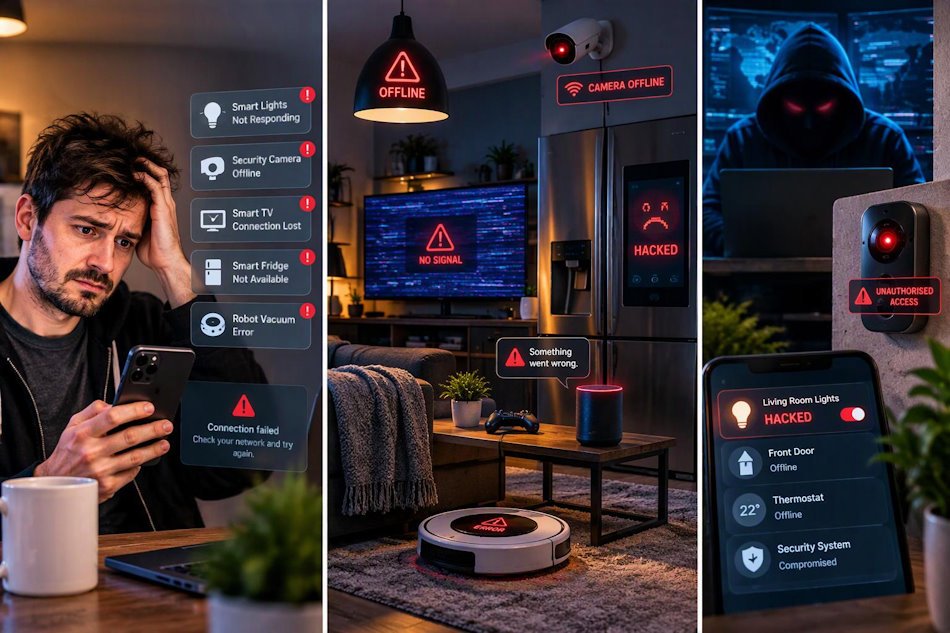
Dez: Our homes are full of connected devices now. TVs, consoles, cameras, speakers, doorbells, curtains, even fridges. Does every new connected device potentially give attackers another way in?
Potentially, yes. Every connected device is another possible entry point, especially if it has a weak password, old software or poor security.
Dez: What are the devices in our homes that people tend to forget need protecting?
People often forget cameras, doorbells, printers, smart TVs, speakers, baby monitors and older devices. The router itself is also easy to overlook.
Dez: Is an old smart device that hasn’t had an update in years something we should genuinely be concerned about?
Yes. If it no longer receives security updates, known weaknesses may remain open. Update it if possible; otherwise isolate it or replace it.
Dez: If someone buys a new router today, what are the first two or three security settings you’d want them to check?
Change the router’s admin password, install the latest firmware and use WPA3 encryption if available. Also use a strong, unique Wi-Fi password and turn off features you do not need.
The human side
Dez: Are cybercriminals getting better at hacking technology, or are they getting better at tricking people?
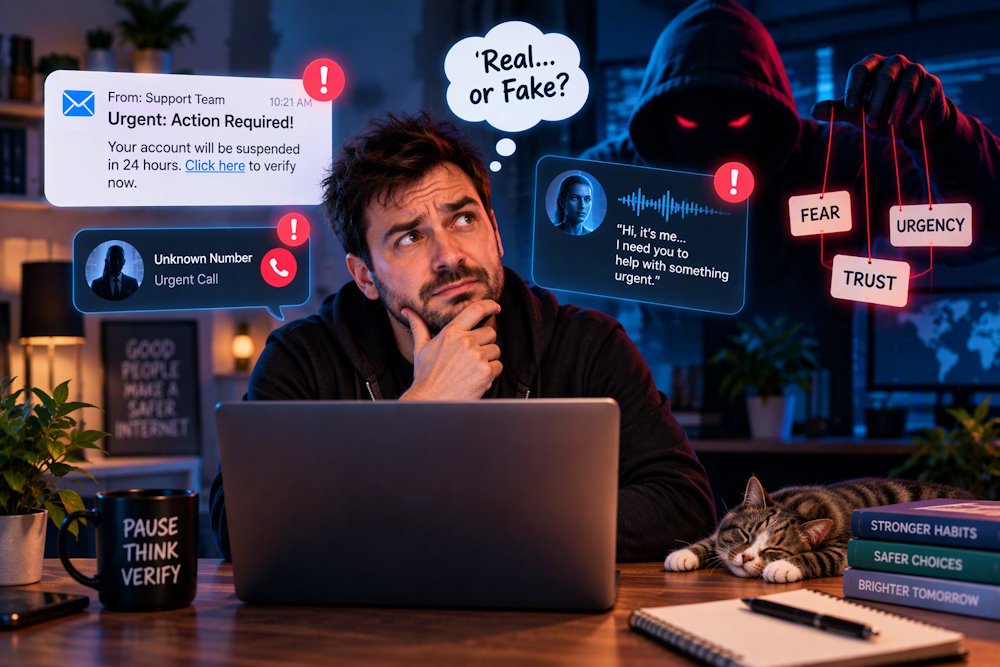
Both, but tricking people is often easier than breaking strong technology. Criminals use urgency, fear or trust to persuade someone to click, pay or reveal information.
Dez: AI has made fake emails, messages and even voices much more convincing. What’s one warning sign people should still look for?
Answer: Unexpected urgency is a strong warning sign. Pause and verify the request through a trusted contact method rather than using the link or number in the message.
Dez: What’s a cybersecurity habit that people think is protecting them but actually doesn’t help as much as they think?
Changing every password on a fixed schedule can create weak, predictable passwords. It is better to use a unique password for each account and change it when there is evidence it may be compromised.
Dez: And on the flip side, what’s one really simple thing people could do today that would make a meaningful difference to their online security?
Turn on multi-factor authentication for your email account first. Email is often the key to resetting passwords for many other services.
A couple of fun ones to finish
Dez: What’s the one terrible cybersecurity habit that you wish people would finally stop doing?
Reusing the same password. One breached account can then put several other accounts at risk.
Dez: If you could give people just three rules for staying safer online, what would they be?
Use a unique password or passkey for every account; turn on multi-factor authentication; and pause before clicking links or sharing information, especially when a message creates urgency.




Recent Comments