
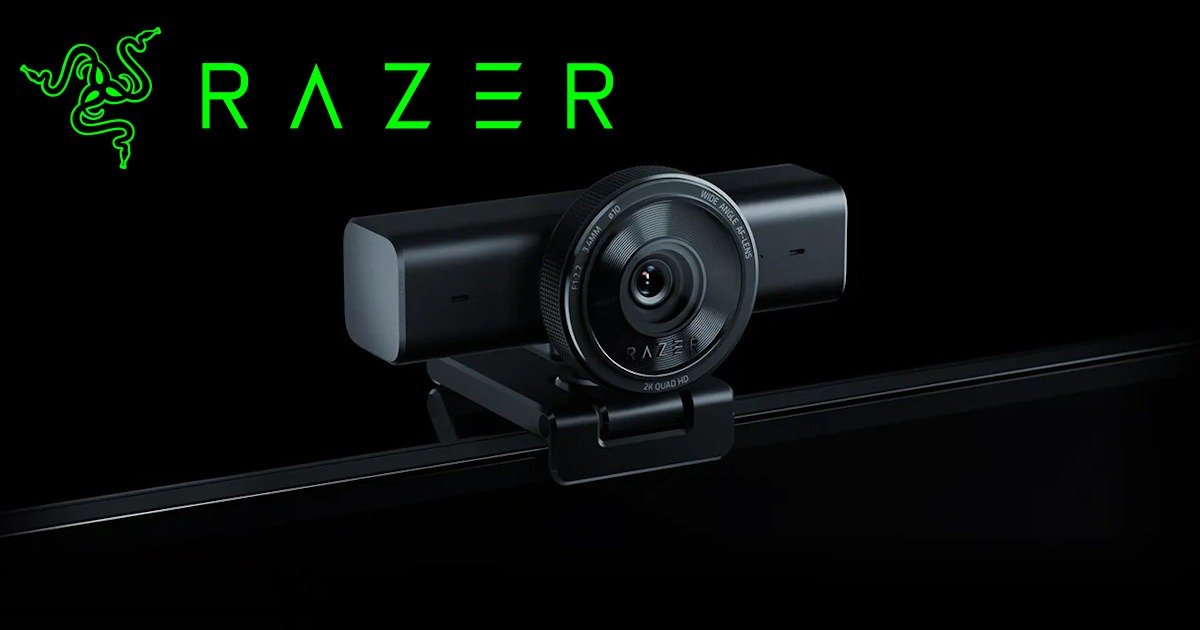
The Razer Kiyo V2 X feels like Razer finally decided to strip things back and make a webcam that just works. No gimmicks, no unnecessary frills. It’s clean, matte black, and honestly looks better on a monitor than the original Razer Kiyo ever did. Something is reassuring about that simplicity; it feels like a product designed for real use, not just to grab attention on a product page or an influencer’s feed.
I remember when I first got the original Kiyo. I loved it, even though that ring light felt a little… well, gimmicky. It worked, and at first I thought it was brilliant, and in some situations it was handy, but most of the time I didn’t really need it. My desk lamp did the job far better, and eventually the light became just a novelty than a necessity.
So seeing Razer drop that and focus on the essentials feels like a smart move. It’s almost like they listened to what people wanted: better image quality, a cleaner design, and fewer distractions. And honestly, that makes the Razer Kiyo V2 X feel more professional, more refined and a webcam that’s really going to be taken seriously in the space.
Quick Context
Razer offers two versions in this line, the Razer Kiyo V2 and the RazerKiyo V2 X. The V2 is the premium option, built for people who want advanced features like HDR and higher frame rates. But honestly, most of us don’t need all that. That’s why this review focuses on the Razer Kiyo V2 X. It’s the one that makes sense if you want something simple and affordable without sacrificing quality.
And here’s the thing, Razer was kind enough to send me the Razer Kiyo V2 X, but even if they’d offered me the V2, I would have asked for this model instead. Why? Because it feels more accessible, less niche, and better suited for everyday use and everyday users. It’s the kind of webcam that fits into real setups without overcomplicating things or your bank account.
What’s New Compared to the Original
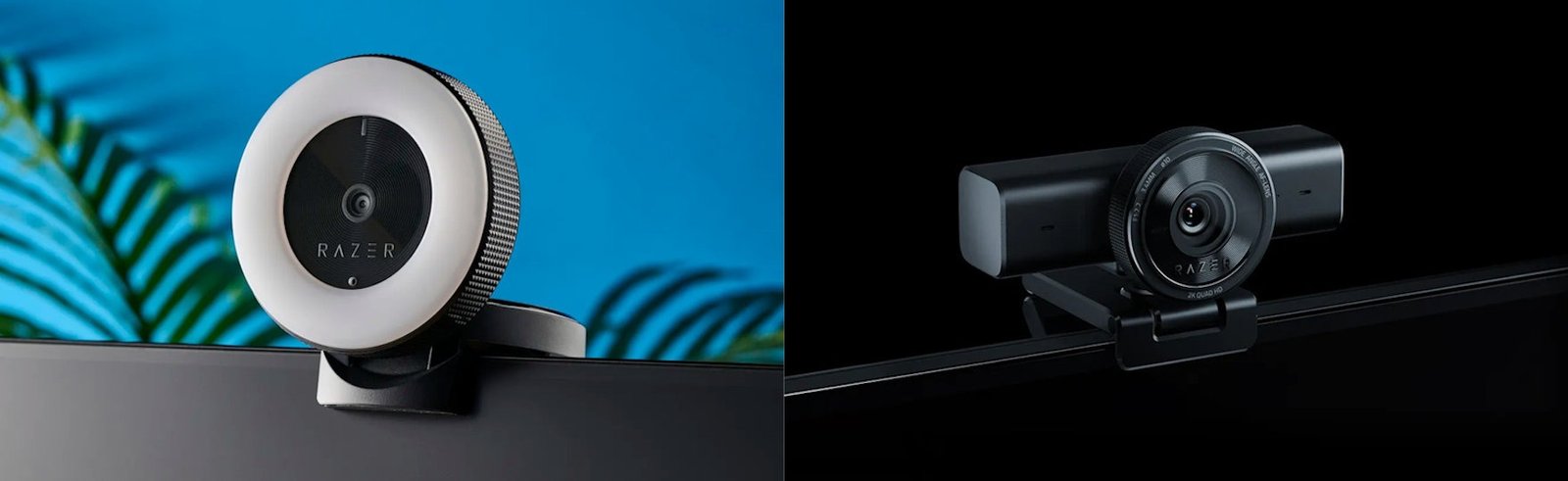
Honestly, the biggest change is the removal of that ring light, and for me, that was a welcome shift. The original Razer Kiyo’s light seemed clever at first. I even relied on it during one late-night video chat while moving house, when my office was barely set up. But over time, it felt more like a gimmick than a real solution. So when the Razer Kiyo V2 X and Kiyo V2 dropped it completely, I was relieved. This version isn’t about flashy extras; it’s focused on what matters: performance.
The Razer Kiyo V2 X now supports up to 1440p at 60 fps, a big jump from the original’s 1080p at 30 fps. And yes, you notice the difference. The extra resolution and smoother frame rate make everything feel more polished. During a Discord gaming call with friends, I leaned in slightly and could see the texture on my mic, no motion blur, no lag. Honestly, I wish I’d kept my old Razer Kiyo just to do a side-by-side comparison. The Razer Kiyo V2 X looked sharper, more fluid… just better overall. A few streamer friends on that call even asked what camera I was using. When I told them, they were shocked. They remembered the old ring-light model and couldn’t believe how much it had improved. One of them even ended up getting one for Christmas after that session. So yeah, it impressed.
It’s worth noting this model doesn’t do 4K, that’s reserved for the more premium Razer Kiyo V2 at 30 fps. But honestly, 1440p at 60 fps feels like the sweet spot. High enough to look great without the hassle of massive file sizes or extra processing. Perfect for my little potato PC… using this made me realise how badly I need an upgrade.
There are other nice touches too: fast autofocus, an 80° wide-angle lens, a built-in mic, a privacy shutter, and a decent 1.5m or 57-inch cable. It even keeps the tripod thread for flexibility, which I love and will use more in the future. The only small gripe? It’s USB-A, so if your laptop only has USB-C ports, you’ll need an adapter. Just something to keep in mind.
Privacy Shutter
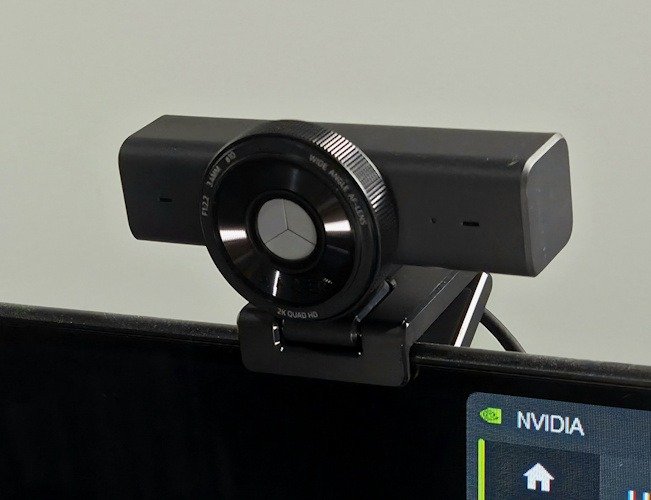
One small thing I didn’t expect to appreciate as much as I did is the privacy shutter. It’s such a simple addition, almost too simple to mention, but I’ve realised I reach for it more often than I thought I would. Maybe it’s just peace of mind, or maybe I’ve watched one too many stories about webcams turning on at the wrong moment. That being said, if they really want a movie of me in my birthday suit, I say watch at your own risk!
The shutter itself feels solid enough. It slides with a little resistance, not stiff, just enough that you know it’s actually in place. I caught myself checking it twice the first day, almost out of habit, and then laughing because it’s right there, physically blocking the lens. There’s something reassuring about that. No software toggle, no hoping the LED indicator is telling the truth. Just a cover you can see.
It’s the kind of feature you forget about until the moment you need it. Then you’re glad it’s there. I think that’s the best way to describe it.
Colour and Low-Light Performance
The colour reproduction on the Razer Kiyo V2 X feels more natural and balanced compared to the original. There’s less of that harsh contrast when you’re backlit, which was always a pain with the first Kiyo. I tested it with sunlight streaming in behind me, one of those bright Melbourne mornings, and the V2X handled it surprisingly well. The background didn’t blow out like before, and my face stayed clear without looking washed out. Which is impressive, as my office gets the morning sun and I often keep the blinds closed in the morning, as my current webcam couldn’t handle it.
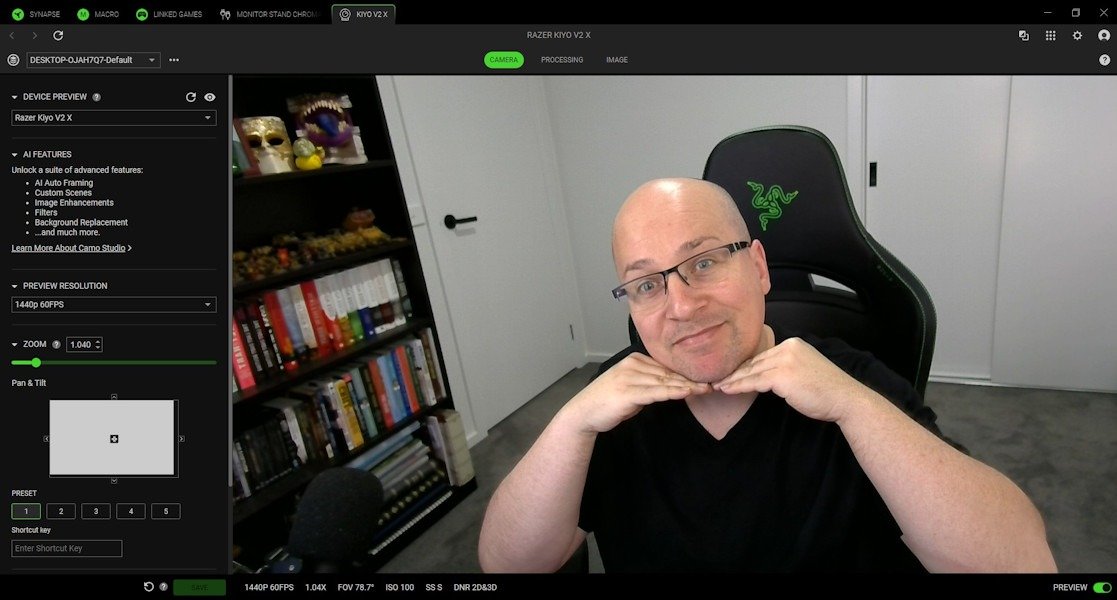
Low-light performance is another area where the Kiyo V2 X really steps up. With the original Kiyo, if the ring light wasn’t on, you’d get that grainy, almost webcam-from-2008 vibe. I hated that. I actually brought lights for my setup because of the original. The Kiyo V2 X kept the image sharp enough that I didn’t feel like I was broadcasting from a cave, and for quick work meetings, I wouldn’t even turn the lights on, as the image was great. It’s not perfect; there’s still a little noise if the lighting is really poor or if it is completely dark, but it’s a noticeable and huge upgrade. I even tried a late-night Discord call with just my monitor glow, and honestly, it looked decent. No weird colour shifts, no heavy blur. For a webcam without a built-in light and only a 24 inch mointor with Discord in dark mode on it, that’s impressive.
Microphone and Autofocus
The microphone on the Razer Kiyo V2 X is definitely an improvement over the original. It’s not going to replace a dedicated USB mic, let’s be honest, but for meetings, casual streaming, or those quick gaming calls, it’s more than good enough. It’s actually really good, much better than I expected for a webcam mic. I actually tested it during a call without my usual mic, just to see how it held up, and nobody complained. I even asked how I sounded & they said, “the same, why?” That’s saying something because the original Kiyo always sounded hollow and thin, almost like you were talking through a tin can. So, as mentioned previously, Razer is focusing on performance, and this really does highlight how they are putting the effort in and learning from their past products.
Autofocus is another area where the Kiyo V2 X feels refined. It’s quick and reliable, which matters if you’re someone who moves around a lot on camera or likes to show things up close. I tried leaning in with a game box mid-call, and it snapped into focus almost instantly, no awkward blur or trying to hold your hand behind awkwardly tryingh to get it to focus. It’s the kind of feature you actually don’t notice straight away, until use a different camera and the focus dance begins, it just works on the Razer Kiyo V2 X.
The difference isn’t about flashy new tricks. It’s about refinement. The Razer Kiyo V2 X doesn’t try to wow you with gimmicks, it focuses on doing the basics really really well. And honestly, that’s what makes it feel like the right evolution of the Kiyo line. It’s a webcam that feels dependable, and for most people, that’s exactly what you want.
Real-World Use
After using the Razer Kiyo V2 X for about six weeks, I can say it’s the kind of webcam that quietly earns your trust. Not because it dazzles you with flashy features, but because it just works when you need it to. Most of my time with it has been spent on daily video meetings, a few gaming sessions, and some late-night chats with friends. It’s been consistent, no sudden quirks, no frustrating surprises. Just me in my 1440p glory, I’m not sure if the world needs that, but I love just how clean and clear it is. I look refined… well the video of me does at least.
What stood out to me wasn’t just the specs, but the experience of living with it. It’s the little things: joining a meeting without fiddling with settings, not worrying about whether the lighting will ruin the shot, and knowing the camera will hold focus when I’m moving around or holding things up to show people. There’s a sense of reliability here that makes it easy to forget and just allow it to blend in, which, honestly, is the best compliment I can give a webcam.
It’s not perfect. Autofocus is generally quick, but if you move too fast, it can hesitate for a moment before locking in. It’s rare, but noticeable when it happens. And while the narrower field of view feels more personal (I like that it doesn’t show half my office), it might be limiting if you want a wider shot for group calls or a big streaming setup. For me, though, that trade-off works.
After a month and a half, the biggest takeaway is this: the Razer Kiyo V2 X feels dependable. It doesn’t demand attention, and it doesn’t try to reinvent the wheel. It’s a webcam that fits into your routine without fuss, and that’s exactly what I want from gear I use every single day.
Final Thoughts
After spending over a month with the Razer Kiyo V2 X, I’ve come to appreciate what Razer set out to do here. This isn’t a flashy product. It doesn’t scream for attention with gimmicks or unnecessary features or bright, outlandish colour. Instead, it focuses on the fundamentals: image quality, reliability, and ease of use, and it nails them in every way.
The jump to 1440p at 60 fps makes a real difference in clarity and smoothness, and the improvements in colour handling and low-light performance mean you don’t have to stress about lighting every time you join a call. As I know when my Teams call would go off, I’d panic, jump up and have to turn on my lights and turn on my microphone. But not with the Razer Kiyo V2 X. The microphone is surprisingly good for a webcam, and while autofocus isn’t perfect, it’s fast enough that you rarely notice it. These are the kinds of refinements that matter in everyday use.
Is it perfect? No, but is anything? There’s no 4K option unless you buy the Razer Kiyo V2, and that is limited to 30fps, and the USB-A connection might be inconvenient for some setups. But honestly, those feel like minor trade-offs when you look at the overall experience. The Razer Kiyo V2 X feels dependable. It blends into your workflow without fuss, and that’s exactly what I want from gear I use every day. This is a huge upgrade from the original and has been a welcome upgrade to my setup, one I didn’t think I needed.
If you’re looking for a webcam that prioritises performance over gimmicks, this is it. Simple, clean, and reliable and the right evolution of the Kiyo line.





One Comment
[…] launching in Quartz and White, the Kiyo V2 X brings streamlined, high-quality video performance to creators, streamers, and professionals […]
Comments are closed.