
We’ve all had that moment where creative energy is there, but everything around it is a mess. A folder on your iPhone stuffed with holiday B‑roll you swore you’d sort out, a half‑mumbled melody sitting in Voice Memos, and this lingering urge actually to turn those scraps into something real. The problem is usually the same: the tools get in the way. They’re either so basic that you hit the ceiling instantly, or so complicated and pricey that learning them feels like taking on a side job.
Then Apple announced Apple Creator Studio.
I didn’t jump on the hype right away. Honestly, my first thought was, “Great… another subscription waiting to happen.” But after going through the announcement and watching a few early reviews, something shifted. That vague “maybe one day” started leaning into “yeah, I’m installing this tonight.”
And this is the little mental journey that pushed me there.
The “One Suite” Hook
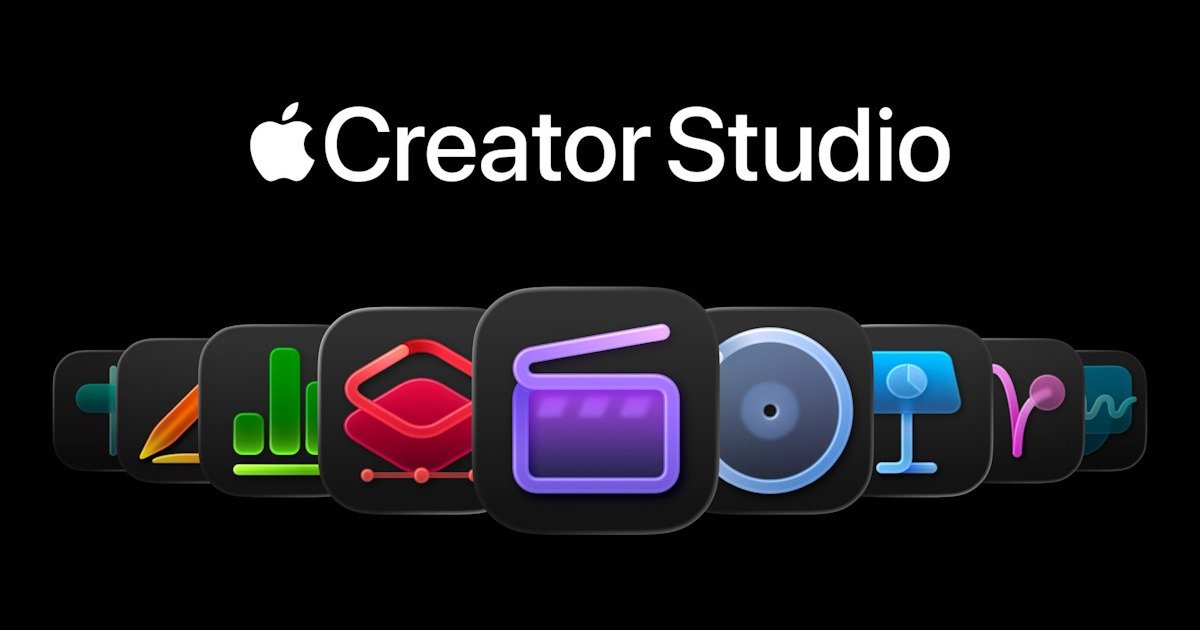
The first thing that caught my eye was the sheer breadth of the collection. For 12.99 USD (or roughly A$19.99 here in Australia), you’re not just getting one app; you’re getting what feels like an entire “All‑Star Team” bundled together:
- Video: Final Cut Pro, Motion, and Compressor.
- Music: Logic Pro and MainStage.
- Design: Pixelmator Pro; now officially on iPad, which still feels a bit surreal.
- Productivity: Premium versions of Keynote, Pages, and Numbers.
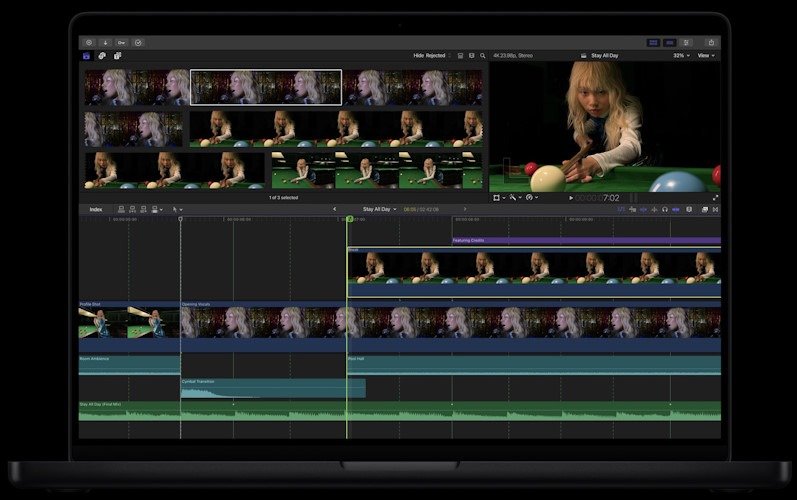
As someone who produces articles and product reviews, the cross‑pollination here is the real selling point. I can edit a review in Final Cut, jump into Pixelmator to put together a thumbnail that doesn’t look like it was rushed at midnight, then slide over to Keynote’s new AI tools to sketch out the structure for my next script.
And the thing is, the handoff between these apps feels like part of the pitch. I didn’t have to convince myself that I might use all of them, because I already do, just in a scattered way across different services. Having them live under one subscription, in one ecosystem, makes everything feel a bit more intentional. Almost like Apple finally noticed how messy the creative workflow can be and decided to package a solution instead of just another app.
It’s not that each tool is perfect on its own, far from it, but together they form this sort of… creative safety net. You don’t have to wonder what software to open next. You just move to the next piece, and it’s already there waiting.
Music Production (Without the Degree)
I’ve always wanted to try music production “for fun,” but Logic Pro always intimidated me. For anyone who doesn’t know, I was once in a band and we even produced a CD, the tracks are still up on Bandcamp. I played drums and wrote lyrics, and I’ve always wanted to get back into making music. The problem is the band is now scattered across the world, literally. Three of us are spread across different states in Australia, and our guitarist lives in the US, so organising any kind of practice meetup is basically impossible.
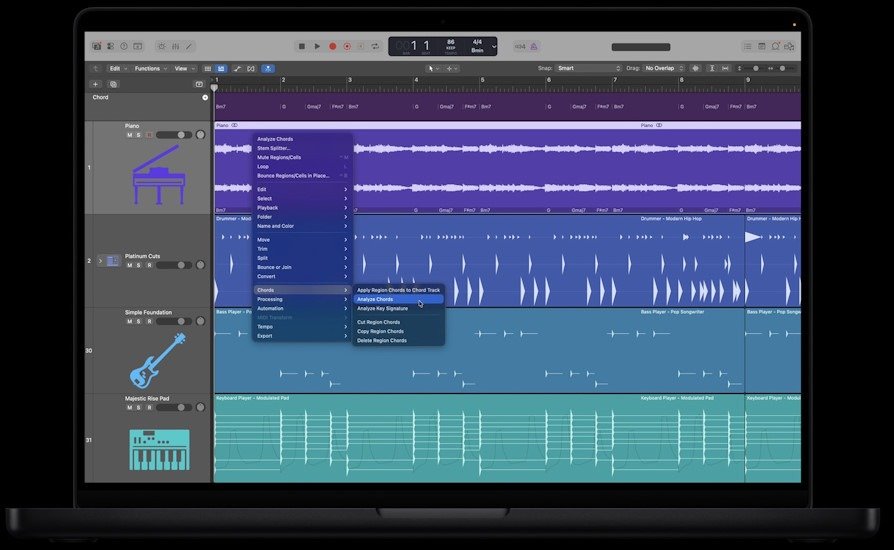
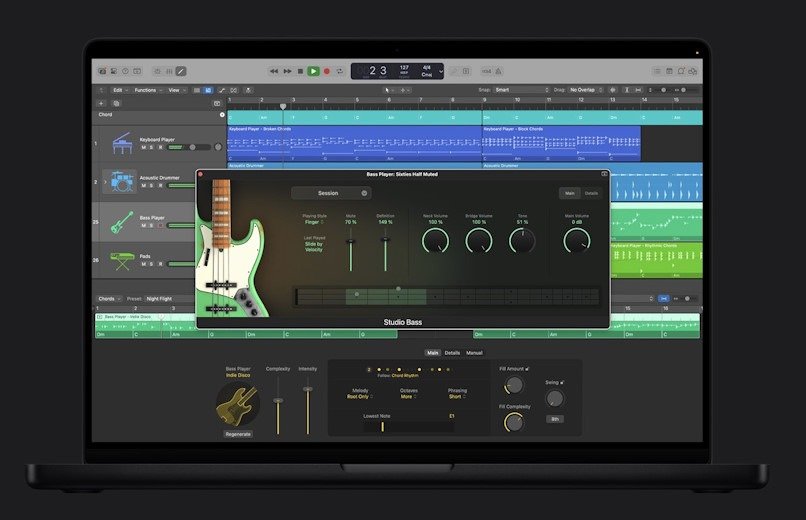
Then along comes the new Logic Pro 12, with features that, while still a bit intimidating, actually caught my attention and changed my mind.
- AI Session Players: I can get away with a simple open chord on the guitar or some light keyboard work, but the new Synth Player and Bass Player feel like a virtual band that responds to whatever direction I give them. It makes experimenting a lot less stressful.
- Chord ID: This one is a game-changer for me. If I record a melody or a messy keyboard part, Logic can now identify the chords for me. It turns the app into a learning tool rather than just a workspace, and that’s exactly the kind of support I’ve needed to ease back into music.
Levelling Up My Video Reviews
For my articles and reviews, efficiency is everything. The new AI‑driven tools in Final Cut Pro feel like they’re built specifically to eliminate the tedious parts of editing, the stuff that usually slows me down before I even get to the creative decisions.
- Transcript Search: Instead of scrubbing through twenty minutes of a talking‑head clip trying to find the moment I mentioned a specific feature, I can just type the word. Final Cut jumps straight to the exact frame. No more dragging playheads back and forth hoping I didn’t blink and miss it.
- Visual Search: If I need every shot containing a “camera” or a “keyboard,” the AI scans the footage and pulls them up instantly. It feels a bit like cheating, but I’m not complaining. Anything that saves me from manual tagging is a win.
- Beat Detection: This is where things actually get fun. It drops markers on the timeline based on the rhythm of the music, so lining up cuts becomes almost effortless. Snapping edits to the beat gives everything that clean, energetic feel I’m always aiming for. And who knows, maybe one day I’ll even drop in some of my own music… though that might be getting ahead of myself.
The Turning Point: The iPad Factor
Seeing Pixelmator Pro arrive on iPad pushed me a little closer to taking the next plunge and finally getting the world’s favourite tablet. That might be a “future Ben” problem, but the app really does feel like it was built for people like me. It’s been redesigned from the ground up for touch and Apple Pencil, and something about that makes the whole idea of editing far less intimidating.
Being able to remove backgrounds or upscale a low‑res photo with a single tap while sitting on the couch, and then having those edits sync straight back to my Mac, feels like the workflow I’ve been waiting for. It’s simple, it’s quick, and it lets me work wherever I happen to be, instead of locking me to a desk.
Final Thoughts: Is it Worth the Trial?
There’s a one‑month free trial for new subscribers, and if you’ve bought a new Mac or iPad recently, you might even qualify for three months free.
For the price of a couple of coffees a month, I’m getting professional‑grade tools that once cost close to a thousand dollars upfront. And on top of that, you can share the subscription with up to six people through Family Sharing. That’s a huge boost in value. There’s also a student and educator plan, although that version is limited to a single user.
Even if I only use it to make my hobbyist videos look a little sharper, or finally take a proper shot at starting my solo music journey, Apple Creator Studio feels like an invitation to stop overthinking and actually make stuff again.
I’m heading to the App Store. See you on the timeline.





Recent Comments