
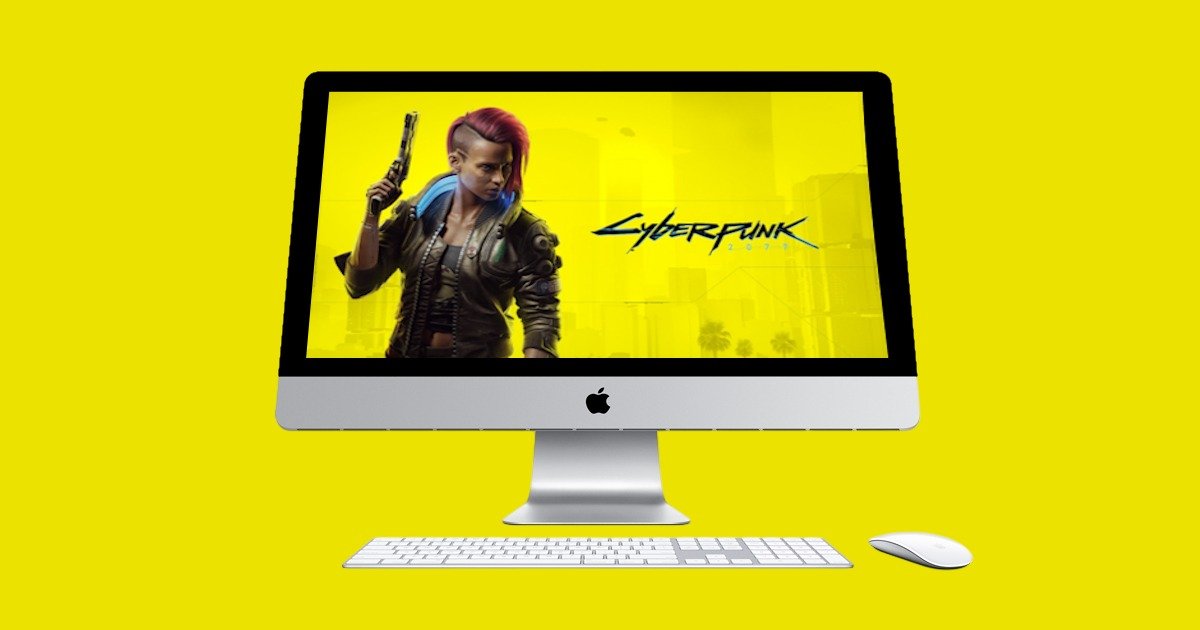
Cyberpunk 2077 is now natively available on Macs with Apple Silicon. That’s… kind of a big deal. I’ve been waiting for this, impatiently, if I’m honest. The release date kept slipping. We were told “early 2025,” but that came and went. Then, mid-2025 started looking shaky too.
There was a glimmer of hope at WWDC. Apple showed off the new macOS Tahoe and it had a clear gaming focus. They showed off Cyberpunk being played on Macs, and it certainly piqued my interest again. Then, finally, on 17 July, it happened. I opened Steam and there it was: Cyberpunk 2077, in all it’s glory, Ready to install on my Mac. I couldn’t click install fast enough.
Early reviews were cautiously optimistic. Performance seemed decent, though not without caveats. Upscaling and frame generation were mentioned a lot. But in my experience? It runs beautifully. CD Projekt Red included a graphics preset called “For this Mac,” which tailors settings to your specific hardware. That’s clever. And honestly, it works.

Macs and Gaming—A Strange but Promising Pair
One of the things I like about gaming on a Mac is the consistency. The hardware is fixed. You don’t have to worry about the endless combinations of GPUs and chipsets like on Windows. It’s just… simpler. Something is reassuring about knowing your machine isn’t going to throw a driver tantrum or suddenly decide it doesn’t like a certain shader. It’s not perfect, sure, but it’s predictable. And that counts for a lot.
I haven’t fiddled with the settings much. I’m not chasing ultra FPS or pixel-perfect resolution. I know some people love to tweak every slider, squeeze out every last frame but I just want to play. On my 14-inch MacBook Pro with an M4 Pro chip, the “For this Mac” preset gives me a steady 60 FPS. And to my eyes, maybe not the youngest or clearest anymore, it looks fantastic. Sharp, vibrant, and smooth.
There’s a kind of quiet joy in just launching a game and having it work. No patching together mods to fix performance, no digging through forums to find out why the shadows are flickering. I open Cyberpunk, it loads, and I’m in Night City. That’s it. I didn’t expect that kind of plug-and-play experience from a Mac, especially not with a game as taxing on a system like this.
And maybe this is just me, but I’ve started to appreciate the visuals more. Not in a technical sense like pixel density or texture filtering but in a more ambient way. I’ll be walking through a neon-lit alley and suddenly stop, not because something dramatic happened, but because the lighting just feels right. It’s immersive in a way that’s hard to quantify. I’ve caught myself pausing mid-mission just to look around. Not rushing to the next objective, just… being there and present.
I guess what I’m saying is, the experience feels curated. Not just the graphics settings, but the whole vibe. It’s not the most powerful setup out there, and it’s not trying to be. But it’s stable, it’s beautiful, and it’s perfect for me. I played Cyberpunk on Xbox Series X when it first came out. Enjoyed it, mostly. But my TV back then wasn’t great. Text was hard to read, and the visuals felt muddy. So maybe my bar was low. But this Mac version? It’s a huge step up. I’ve found myself just standing around in Night City, watching the world move. It’s oddly relaxing.

Pros and Cons (With a Few Personal Notes)
I have pulled together a few of the Pros and Cons from other reviewers, adding my own take on their summation.
Pros:
- Native Apple Silicon Support: The game has been rebuilt to support Apple’s Metal API, optimising it for M-series chips. This allows for dynamic “For this Mac” presets that adjust settings in real-time.
- Playable Performance (with conditions): Many modern Macs with M1, M2, M3, or M4 chips can run the game well, especially when utilising Apple’s MetalFX upscaling technology. Users can achieve “pretty good framerates” by fine-tuning settings and enabling MetalFX.
- Good Framerates on Higher-End Macs: Macs with M3 Max or M4 Max chips can achieve 60 FPS at 1080p, and even 1440p without thermal throttling, particularly with MetalFX enabled. The M3 Max with a 40-core GPU and 48GB of unified memory can even hit over 100 FPS with MetalFX quality settings.
- Feature Support: The Mac version supports features like Spatial Audio, HDR (for XDR Display owners), and ray tracing (on M3 and newer chips).
- Cross-Progression: Players who own the game on PC can install it directly on their Mac at no additional cost, and cross-progression syncs characters across platforms. Sadly, this isn’t the case for Xbox (and, assume Sony PlayStation) players. I wasn’t too disappointed as I wanted to play through a different character, but it would have been nice.
- Improved Game State: The game itself has significantly improved since its initial launch, with many glitches and problems resolved, and the Phantom Liberty expansion is well-regarded. This is true across all platforms, but worth noting considering the … shall we say ‘issues’ on launch.
Cons:
- Hardware Requirements: The game requires a Mac with an M1 chip or newer and a minimum of 16GB of unified memory. This means entry-level MacBook Air M1 or M2 models with 8GB of memory are not supported. Although some reviewers have managed to game on the 8GB machines, it’s certainly at the lowest end of ‘playable’.
- Reliance on Upscaling: To achieve decent framerates, particularly on lower-end M-series Macs, it’s often necessary to rely on MetalFX resolution scaling. The base render resolution can be quite low (e.g., 540-900p upscaled to 1080p), which can result in a less “crisp” image compared to native resolutions.
- Ray Tracing Demands: While ray tracing is supported on M3 and newer chips, enabling it can significantly impact performance, even on high-end Macs. Some users might choose to disable it for a better framerate. I believe that Tahoe will at least bring some improvements to ray tracing, that being said, even high-end gaming PCs see a significant reduction in performance when enabling ray tracing.
- Not on Par with High-End Gaming PCs: Despite the impressive optimisation, Mac’s integrated GPUs generally cannot compete with dedicated high-end PC graphics cards in raw gaming prowess, especially when comparing native resolutions without upscaling.
- Thermal Throttling on Some Models: MacBook Air models with M chips can experience thermal throttling during demanding gaming sessions due to their fanless design. Although the sheer fact that a game like Cyberpunk plays on fanless laptops is more amazing to me than the throttling
- Larger Installation Size (Mac App Store): The Mac App Store version of the game is significantly larger (159 GB) compared to Steam, Epic, or GOG (92 GB) due to pre-installed language packs. As I got mine through Steam (thank you Steam sales) I am a happy chappy!

Final Thoughts
In conclusion, Cyberpunk 2077 on Mac offers a genuinely playable and often impressive experience for an integrated graphics system, especially on newer, higher-spec M-series Macs with ample unified memory. However, managing expectations regarding performance without upscaling and ray tracing is key, and it still doesn’t fully match the capabilities of dedicated gaming PCs.
Would you play games on a Mac? For me, the Mac is a powerhouse for music production, video editing (and yes, writing articles), the gaming aspect is a bonus and something I find very exciting.





Recent Comments